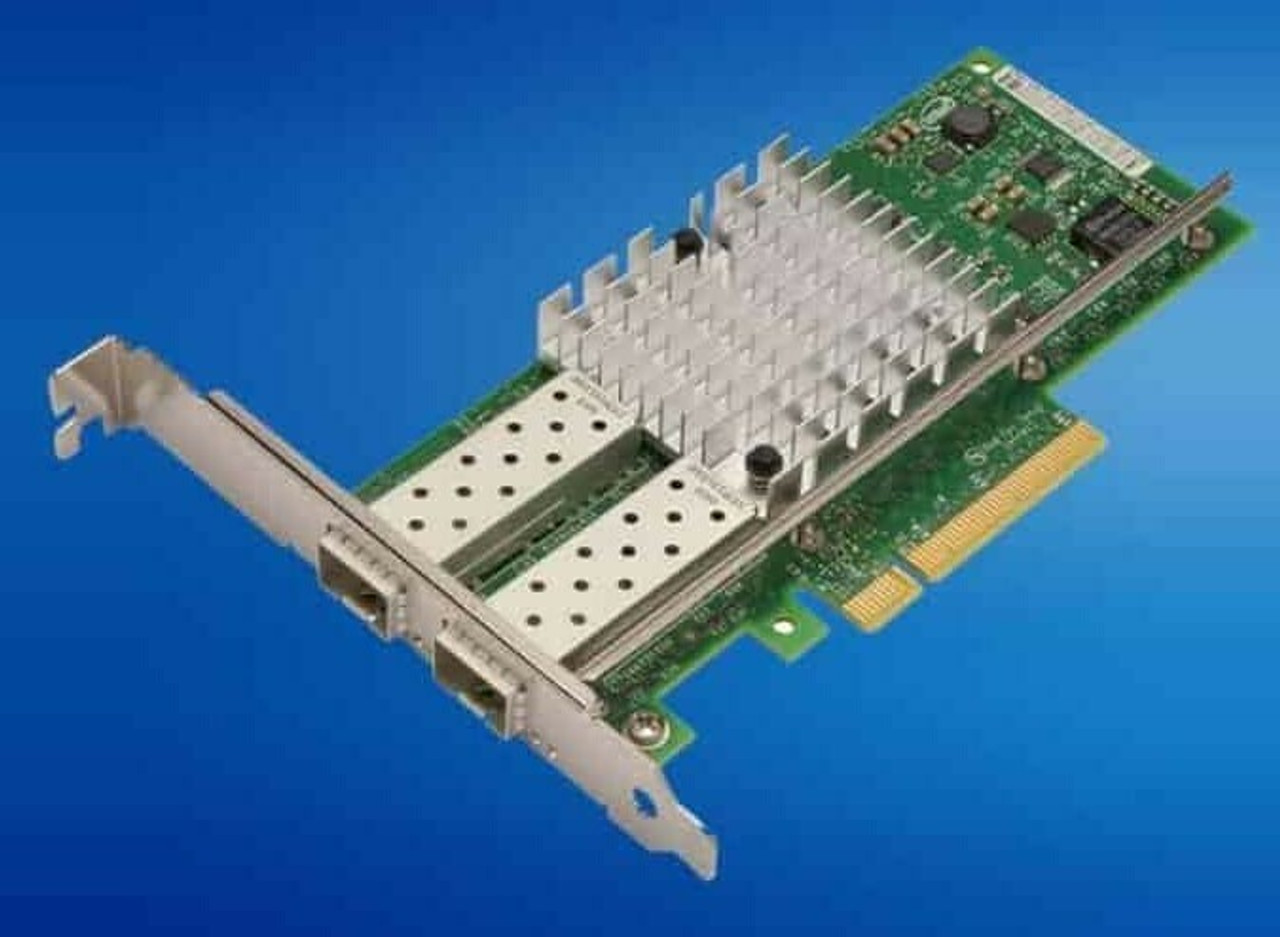
HPE ProLiant DL320 Gen11 Networking Adapters
Genuine HPE network adapters for the HPE ProLiant DL320 Gen11, new and refurbished. The chassis gives you one OCP 3.0 x16 slot carrying Wake on LAN and iLO sideband, plus two PCIe 5.0 x16 FHHL riser slots — and the second riser is an option, not standard.
DL320 Gen11 Networking Specifications
- Embedded networking: HPE lists an embedded Broadcom BCM5720 Ethernet 1Gb 2-port BASE-T adapter as standard, while the Interfaces table in the same document lists network ports as none, with a choice of OCP or stand-up card
- Form factors: one OCP 3.0 slot at PCIe 5.0 x16, plus two PCIe 5.0 x16 FHHL riser slots
- Speeds: 1GbE BASE-T, 10GbE BASE-T and SFP+, 10/25GbE SFP28, and 100GbE QSFP28 and QSFP56
- Silicon: HPE-qualified Broadcom, Intel and Mellanox adapters, most offered in both PCIe and OCP3 versions
- Fibre Channel: SN1610E and SN1610Q 32Gb HBAs on PCIe 3.0 x8, SN1700E and SN1700Q 64Gb HBAs on PCIe 4.0 x8
- Thermal limits: HPE publishes a recommended ambient temperature per adapter and chassis, and lists the 100GbE adapters as not supported in the 12 LFF chassis
Count your slots before you pick a form factor. There is one OCP 3.0 x16 slot and two PCIe 5.0 x16 riser slots, and the secondary riser is an option — without it HPE limits the server to one PCIe card across every category, storage controllers included. Only the OCP slot carries Wake on LAN and iLO sideband.
Which network adapter fits the DL320 Gen11?
| Speed | Media | Form factors |
|---|---|---|
| 1GbE | RJ-45 BASE-T | OCP 3.0 or PCIe |
| 10GbE | BASE-T or SFP+ | OCP 3.0 or PCIe |
| 10/25GbE | SFP28 | OCP 3.0 or PCIe |
| 100GbE | QSFP28 or QSFP56 | PCIe; QSFP28 also in OCP 3.0 |
One OCP slot and two PCIe riser slots is the entire budget, and everything competes for it. With only the primary riser fitted, HPE limits the server to one PCIe card across every category, so a stand-up RAID controller and a stand-up NIC cannot both go in until the secondary riser is added.
Choosing the Right DL320 Gen11 Network Adapter
- Put your primary NIC in the OCP slot — it is the slot HPE gives Wake on LAN and iLO sideband (shared NIC) capability, and it keeps the PCIe risers free.
- Count your slots before you order: with only the primary riser fitted, the server takes one PCIe card in total, storage controllers included.
- Watch the processor — HPE notes the Bronze 3508U supports up to PCIe Gen4 speed, and says this affects high-speed networking cards.
- Match the media to your fabric: BASE-T for existing copper, while SFP28 and QSFP cards need DACs or optics ordered separately.
- Check the thermal table for dense builds: several 25GbE and 100GbE adapters carry a 25C recommended ambient, and 100GbE is listed as not supported in the 12 LFF chassis.
Complete Your DL320 Gen11 Build
Finish the platform with DL320 Gen11 memory, drives, storage controllers, processors, and power supplies, or the full DL320 Gen11 parts page. Neighboring generation: DL320 Gen12 adapters. Two-socket alternatives: DL360 Gen11 adapters and DL380 Gen11 adapters. Catalog-wide: HPE parts by server model.
DL320 Gen11 Networking Adapters FAQ
Does the HPE ProLiant DL320 Gen11 have built-in Ethernet ports?
The QuickSpecs say two things. The Network Controller section lists an embedded Broadcom BCM5720 Ethernet 1Gb 2-port BASE-T adapter as standard, and the rear view labels an embedded 1GbE x2 network port. The Interfaces table lists network ports as none, with a choice of OCP or stand-up card. Either way, anything above 1GbE comes from an adapter.
How many network adapters can I fit in a DL320 Gen11?
There is one OCP 3.0 x16 slot and two PCIe 5.0 x16 FHHL riser slots. The secondary riser is an option, and HPE states that without it the maximum PCIe card selection is one card, inclusive of all PCIe categories - storage controllers compete for the same space.
What is the difference between OCP and PCIe network adapters?
The same networking silicon in two mounting formats. On this platform the OCP 3.0 slot is the one HPE gives Wake on LAN and iLO sideband (shared NIC) capability, and using it leaves the PCIe riser slots free for other cards.
Do SFP28 and QSFP adapters include transceivers?
No - the part number covers the card only. Order DAC cables or optics matched to your switch separately. BASE-T adapters connect with standard copper patch cables.
Can I run a 100GbE adapter in a 12 LFF DL320 Gen11?
No. HPE's thermal support table lists the 100 Gigabit Ethernet adapters as not supported in the 12 LFF chassis, and also as not supported on the GPU Dense chassis with two double-wide or four single-wide GPUs in the front.
Does the DL320 Gen11 support Fibre Channel HBAs?
Yes. HPE lists the SN1610E and SN1610Q 32Gb HBAs on PCIe 3.0 x8, and the SN1700E and SN1700Q 64Gb HBAs on PCIe 4.0 x8, each in 1-port and 2-port versions. They use the same PCIe riser slots as everything else.
✅ Looking for a specific DL320 Gen11 network adapter? Browse our full selection below.
Browse all models

Why Global One?
- Trusted by thousands. Over 36,000 customers in 100+ countries trust Global One Technology to deliver mission-critical HP Enterprise hardware - including Fortune 500 businesses, schools, hospitals, and federal, state, and local goverment agencies.
- HPE is our specialty! We only sell genuine HP Enterprise parts.
- EASY ordering process. Purchase online now with credit card or PayPal!
- FAST shipping. Global One Technology ships orders received by 4pm ET the same day and offers NEXT DAY delivery to US customers.



