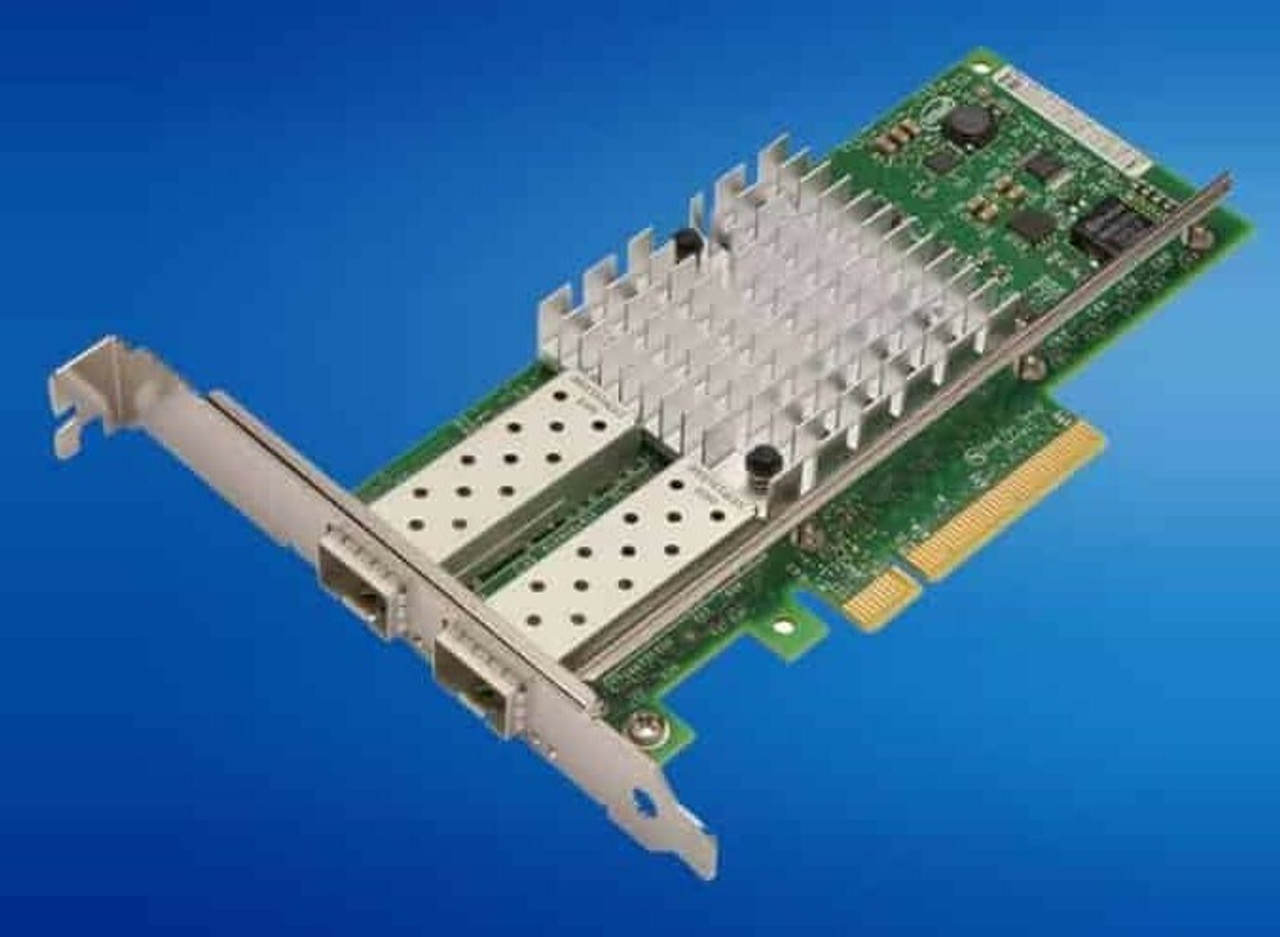
HPE ProLiant MicroServer Gen8 Networking Adapters
Genuine HPE Ethernet server adapters for the HPE ProLiant MicroServer Gen8, new and refurbished. The server already carries two Gigabit ports and a dedicated iLO 4 management port, and it has one low-profile PCIe slot for anything else — so the card decision here is really a decision about that slot.
MicroServer Gen8 Networking Specifications
- Embedded networking: an HPE Ethernet 1Gb 2-port 332i Adapter on the Broadcom BCM5720 controller, giving two RJ-45 ports at 10/100/1000Base-T
- Management port: a dedicated 1Gb iLO 4 remote management port as the default configuration; sharing port 1 with iLO is an option rather than the standard arrangement
- Standards: IEEE 802.3 10Base-T, 802.3u 100Base-TX and 802.3ab 1000Base-T, with Energy Efficient Ethernet (802.3az) supported and disabled by default
- Cabling: Category 5 UTP for 10/100/1000Base-T, to 328 ft (100 m)
- Expansion: one PCI Express slot, low profile, x16 connector with sixteen electrical lanes, running PCIe 3.0 behind the Xeon E3-1220Lv2 and PCIe 2.0 behind the Celeron and Pentium
- Card listed here: the HPE NC112T PCI Express Gigabit Server Adapter, a single-port copper card
There is one expansion slot, and two things want it. A network adapter and the Smart Array P222 cannot both be fitted, so check what the slot is already doing before ordering a card. With two embedded Gigabit ports and a dedicated iLO 4 port already on the back panel, many of these servers are better off leaving the slot empty.
Do you need an add-in network adapter?
| What you need | Where it comes from |
|---|---|
| Two Gigabit ports | Already fitted — the embedded 332i adapter |
| A management port that is not a data port | Already fitted — the dedicated 1Gb iLO 4 port |
| A third Gigabit port, or a physically separate network | The one low-profile PCIe slot |
| A Smart Array controller as well | The slot is already spoken for — there is only one |
For most of these servers the honest answer is no. Two Gigabit ports and a separate management port cover a small-business or home-lab role without touching the slot, and that slot is the scarcest thing in the chassis, since a network card and the Smart Array P222 cannot both be fitted. Where port count really is the requirement, HPE's own option list for this server documents a four-port NC365T adapter, which is not among the parts listed here.
Choosing the Right MicroServer Gen8 Networking Adapter
- Check the bracket before the card. The single slot is low profile, and a card with a full-height bracket will not let the chassis close.
- Count what the slot is already doing. A Smart Array P222 and a network adapter compete for the same slot, and only one of them fits.
- Two ports may already be enough. The embedded 332i adapter gives two Gigabit ports before any card is bought, which is often the whole requirement.
- iLO does not cost you a data port. The default configuration gives iLO 4 its own 1Gb port, so management traffic does not have to share port 1.
Complete Your MicroServer Gen8 Build
The PCIe slot is shared ground between networking and storage — see MicroServer Gen8 storage controllers before committing it. Also available: MicroServer Gen8 memory, drives and rack options, or the full MicroServer Gen8 parts listing and HPE parts by server model. For the cards listed against the larger HPE ProLiant ML310e Gen8, see ML310e Gen8 networking adapters.
MicroServer Gen8 Networking Adapters FAQ
How many network ports does a MicroServer Gen8 have?
Two. The embedded HPE Ethernet 1Gb 2-port 332i Adapter provides two RJ-45 Gigabit ports, and a separate 1Gb port serves iLO 4 management.
Does the iLO port use one of the two network ports?
Not by default. HPE's default configuration gives iLO 4 a dedicated 1Gb management port; sharing port 1 with iLO is an optional configuration instead.
What kind of network card fits a MicroServer Gen8?
A low-profile PCI Express card. The chassis has one slot, with an x16 connector and sixteen electrical lanes, and it takes low-profile cards only.
Can I fit a network card and a storage controller at the same time?
No. There is one expansion slot in this server, so a Smart Array card and a network adapter cannot both be installed.
What speed is the onboard networking?
Gigabit. The 332i adapter runs 10Base-T, 100Base-TX and 1000Base-T over RJ-45, on Category 5 UTP to 100 metres.
Does the MicroServer Gen8 support Energy Efficient Ethernet?
Yes. The 332i adapter is compliant with IEEE 802.3az, and HPE notes that the default setting is disabled.
✅ Looking for a specific MicroServer Gen8 network adapter? Browse our full selection below.
Browse all models

Why Global One?
- Trusted by thousands. Over 36,000 customers in 100+ countries trust Global One Technology to deliver mission-critical HP Enterprise hardware - including Fortune 500 businesses, schools, hospitals, and federal, state, and local goverment agencies.
- HPE is our specialty! We only sell genuine HP Enterprise parts.
- EASY ordering process. Purchase online now with credit card or PayPal!
- FAST shipping. Global One Technology ships orders received by 4pm ET the same day and offers NEXT DAY delivery to US customers.



