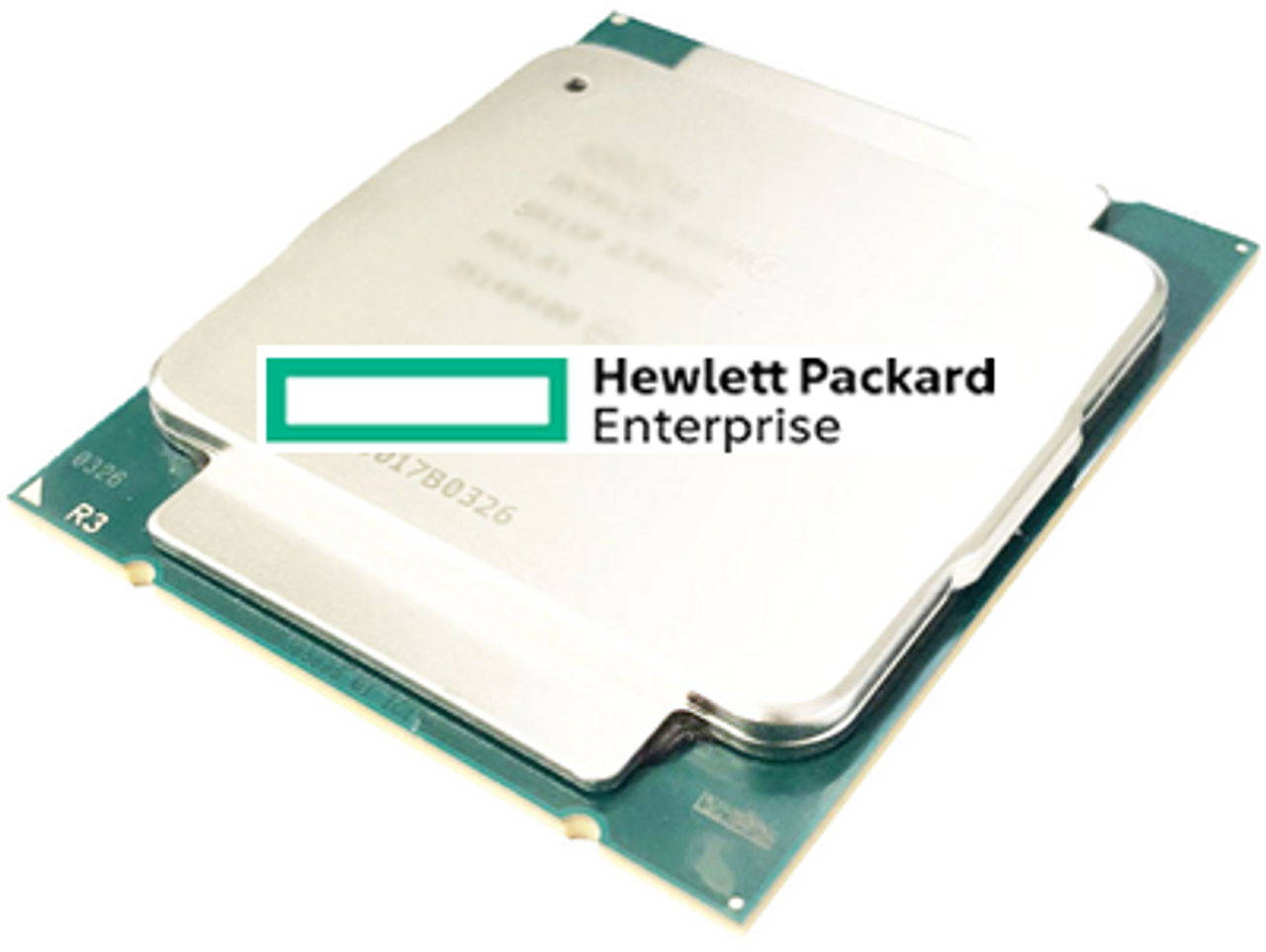
HPE ProLiant BL620c G7 Processors
Genuine HPE processor option kits for the HPE ProLiant BL620c G7, new and refurbished. This is a two-socket scale-up blade on the Intel 7500 chipset, and one rule decides every order: Xeon E7-2800 series processors cannot be used to upgrade a blade running Xeon 6500 or 7500 series parts, so the family already fitted is the family you buy.
BL620c G7 Processor Specifications
- Sockets: two, on the Intel 7500 chipset, upgradeable from one processor to two; the minimum configuration is a single processor in socket CPU1
- Identical parts only: every processor within the blade must be the same, so a second CPU has to match the one already installed
- Kits stocked: Intel Xeon 6500 and 7500 series kits built for this blade — the eight-core X7560, X6550 and 95W L7555, the E7530 and E6540, and the four-core E6510
- Documented E7 family: Xeon E7-2870, E7-2860, E7-2850 and E7-8867L at ten cores, E7-2830 and E7-2820 at eight, and the E7-2803 at six, rated 105W or 130W
- Cache: up to 30MB of level 3 cache on the documented E7-2800 parts
- Kit contents: each -B21 kit contains one processor, complete with heatsink and fans
The two processor families do not cross. HPE states that Xeon E7-2800 and E7-8867L series processors cannot be used to upgrade a BL620c G7 running Xeon 6500 or 7500 series parts — and every processor in the blade must be identical. Read the label on the installed heatsink before ordering a second kit.
Which processor family is in your blade?
| Family | Cores per processor | Upgrade rule |
|---|---|---|
| Intel Xeon 6500 and 7500 series | four to eight on the kits listed here | Stay in the family — E7-2800 series kits will not upgrade one of these blades |
| Intel Xeon E7-2800 series, with the E7-8867L | six, eight or ten, to 30MB of L3 cache | The documented option kits for a blade already built on E7 |
| Either family | one or two processors per blade | Both sockets must carry identical parts, and CPU1 must be filled first |
Read the label on the installed heatsink before ordering anything: an X7560 and an E7-2870 look interchangeable on paper and are not, and a blade bought second-hand tells you nothing about which family it was built around. Where a different processor is going in, HPE asks that the blade's ROM be brought up to date before the swap.
Choosing the Right BL620c G7 Processor
- Match the part already fitted, exactly. Mixed models are not supported in one blade, so an upgrade to two processors means two of the same kit unless the existing one is coming out.
- A second processor opens sixteen more DIMM slots. The slots behind an empty socket cannot be populated, so the second CPU is what takes the blade past 512GB of memory.
- The processor sets the memory clock. A 6.40GT/s QPI part runs memory at 1066MHz, 5.86GT/s at 978MHz and 4.80GT/s at 800MHz, whatever the modules are rated for.
- Budget the enclosure, not the blade. Power and cooling come from the enclosure, and HPE specifies ten fans in a c7000 or six in a c3000 for optimal cooling of this model.
- Flash the ROM before swapping families or models. HPE documents a system ROM update as a prerequisite for moving an existing blade to a different processor.
Complete Your BL620c G7 Build
Processor choice sets the memory clock and the number of usable slots — see BL620c G7 memory alongside this page. Also available: BL620c G7 hard drives and storage controllers, or the full BL620c G7 parts listing. Other c-Class blades of this generation: BL680c G7 processors and BL460c G7 processors, or start from HPE parts by server model.
BL620c G7 Processors FAQ
Which processors does the BL620c G7 support?
One or two identical processors. The kits stocked for this blade are Intel Xeon 6500 and 7500 series parts, from the four-core E6510 to the eight-core X7560; the QuickSpecs also document the Xeon E7-2800 family in six, eight and ten-core versions.
Can I fit an E7-2800 processor in a 7500 series BL620c G7?
No. HPE states that Xeon E7-2800 and E7-8867L series processors cannot be used to upgrade a ProLiant BL620c G7 blade running Xeon 6500 or 7500 series processors.
Can I mix two different processor models in one blade?
No. All processors within the blade must be identical, and the minimum configuration is one processor installed in socket CPU1.
What does a second processor add besides cores?
Sixteen more RDIMM slots. Memory slots behind an empty socket cannot be populated, so the second processor is what takes the blade from 512GB to 1.0TB of memory.
Do BL620c G7 processor kits include a heatsink?
Yes. The CPU kits listed for this blade come complete with heatsink and fans, and each -B21 kit contains one processor.
Does the processor affect memory speed on this blade?
Yes, and it is the only thing that does. Memory runs at 1066MHz behind a 6.40GT/s QPI processor, 978MHz at 5.86GT/s and 800MHz at 4.80GT/s, regardless of how many modules are fitted or what they are rated for.
✅ Looking for a specific BL620c G7 processor? Browse our full selection below.
Browse all models

Why Global One?
- Trusted by thousands. Over 36,000 customers in 100+ countries trust Global One Technology to deliver mission-critical HP Enterprise hardware - including Fortune 500 businesses, schools, hospitals, and federal, state, and local goverment agencies.
- HPE is our specialty! We only sell genuine HP Enterprise parts.
- EASY ordering process. Purchase online now with credit card or PayPal!
- FAST shipping. Global One Technology ships orders received by 4pm ET the same day and offers NEXT DAY delivery to US customers.



