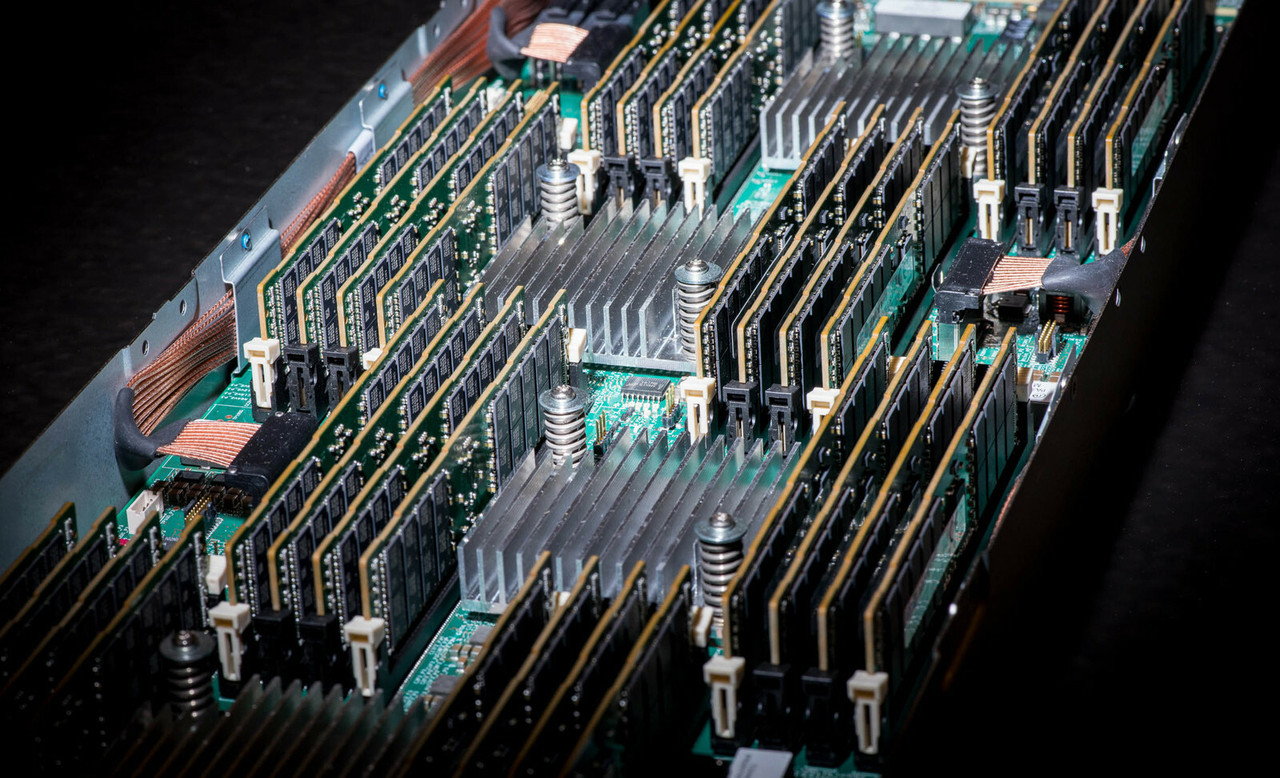
HPE ProLiant DL320e Gen8 Memory
Genuine HPE SmartMemory for the HPE ProLiant DL320e Gen8, new and refurbished and tested before shipping. This is an entry-level single-socket platform and its memory rules are short and strict: four DIMM slots, unbuffered ECC DDR3 only, and a documented ceiling of 32GB.
DL320e Gen8 Memory Specifications
- Memory type: HPE SmartMemory DDR3 Unbuffered ECC (UDIMM) — the population rules state no support for RDIMMs or non-ECC UDIMMs
- Slots: 4 total, as 2 channels with 2 DIMMs per channel — channel A is the pair closest to the processor, channel B the pair furthest away
- Kits offered: 2GB single-rank, 4GB and 8GB dual-rank, in PC3-12800E (DDR3-1600) CAS-11 and PC3L-10600E (DDR3-1333) CAS-9 low voltage, one DIMM per kit
- Speed: every processor listed for this server is rated 1600/1333MHz, and HPE notes actual speed may run at 1600, 1333 or 1066MHz depending on the DIMMs and processor installed
- No step-down when full: HPE states 32GB from 4 x 8GB PC3-12800E operates at 1600MHz with all four slots filled at 2 DIMMs per channel
- Maximum capacity: 32GB — 8GB is the largest module listed for this platform
Four slots, unbuffered ECC only, 32GB and no further. The DL320e Gen8 carries two channels with two DIMMs per channel, and the population rules state no support for RDIMMs or non-ECC UDIMMs — a registered DDR3 module out of a DL360p or DL380p Gen8 will not work here. The one good piece of news is that 4 × 8GB still runs at 1600MHz with every slot filled.
How much memory can the DL320e Gen8 hold?
| Configuration | Slots used | Total | Notes |
|---|---|---|---|
| 1 × 2GB | DIMM2A | 2GB | Entry model population |
| 1 × 4GB | DIMM2A | 4GB | Base model population |
| 2 × 4GB | DIMM2A, DIMM4B | 8GB | Performance model, one DIMM per channel |
| 4 × 8GB | All four | 32GB | The stated maximum, at 1600MHz |
Six kits exist for this server and three are the low-voltage variants of the other three, so the only real decision is capacity per slot. Reaching 32GB means four 8GB dual-rank modules and nothing else. HPE's guidance is to install memory in identical pairs.
Choosing the Right DL320e Gen8 Memory
- UDIMM only. A registered DDR3 module out of a DL360p or DL380p Gen8 will not work here; HPE lists single and dual-rank 1333/1600 MT/s ECC unbuffered DIMMs and nothing else.
- Watch the low-voltage wording. Three PC3L-10600E kits are listed as options while the population rules in the same document say there is no support for LV-DIMMs. The PC3-12800E parts carry no such ambiguity.
- Populate in the documented order: farthest DIMM first, heaviest load (dual-rank) before lightest (single-rank).
- Do not carry memory over. HPE states memory from previous generation servers is not fully compatible with the DL320e Gen8.
- Background reading: memory rank, memory speed and CAS latency.
Complete Your DL320e Gen8 Build
Pair memory with DL320e Gen8 drives, storage controllers, networking adapters, power supplies and rack options, or the full DL320e Gen8 parts page. Neighbors: DL320e Gen8 v2 memory and ML310e Gen8 memory. Catalog-wide: all Gen8 server memory and parts by server model.
DL320e Gen8 Memory FAQ
How much RAM does the HPE ProLiant DL320e Gen8 support?
32GB. The QuickSpecs give the maximum capacity as 32GB from 4 x 8GB at 1600MHz, across four DIMM slots on a single processor socket. There is no larger UDIMM listed for this platform.
What type of memory does the DL320e Gen8 use?
HPE SmartMemory DDR3 unbuffered ECC DIMMs, single or dual rank, rated 1333 or 1600 MT/s. The population rules state there is no support for RDIMMs or non-ECC UDIMMs in this server.
How many DIMM slots does the DL320e Gen8 have?
Four, arranged as two channels with two DIMM slots per channel on the one processor socket. Channel A is the pair of DIMMs closest to the processor and channel B the pair furthest from it.
Does DL320e Gen8 memory slow down when all four slots are filled?
No, according to the QuickSpecs. HPE states that up to 32GB is available with four 8GB PC3-12800E UDIMM kits operating at 1600MHz when fully populated at 2 DIMMs per channel in four slots.
Which slots do I fill first on a DL320e Gen8?
HPE's rule is that the farthest DIMM, on either channel A or channel B, should always be populated first, and that you populate from heaviest load (dual-rank) to lightest load (single-rank). For best performance HPE recommends identical pairs.
Can I use memory from another HPE Gen8 server in the DL320e Gen8?
Only if it is unbuffered ECC DDR3. Registered DIMMs from a DL360p or DL380p Gen8 are not supported here, and HPE states that memory from previous generation servers is not fully compatible with the DL320e Gen8 Server.
✅ Looking for a specific DL320e Gen8 memory module? Browse our full selection below.
Browse all models

Why Global One?
- Trusted by thousands. Over 36,000 customers in 100+ countries trust Global One Technology to deliver mission-critical HP Enterprise hardware - including Fortune 500 businesses, schools, hospitals, and federal, state, and local goverment agencies.
- HPE is our specialty! We only sell genuine HP Enterprise parts.
- EASY ordering process. Purchase online now with credit card or PayPal!
- FAST shipping. Global One Technology ships orders received by 4pm ET the same day and offers NEXT DAY delivery to US customers.



