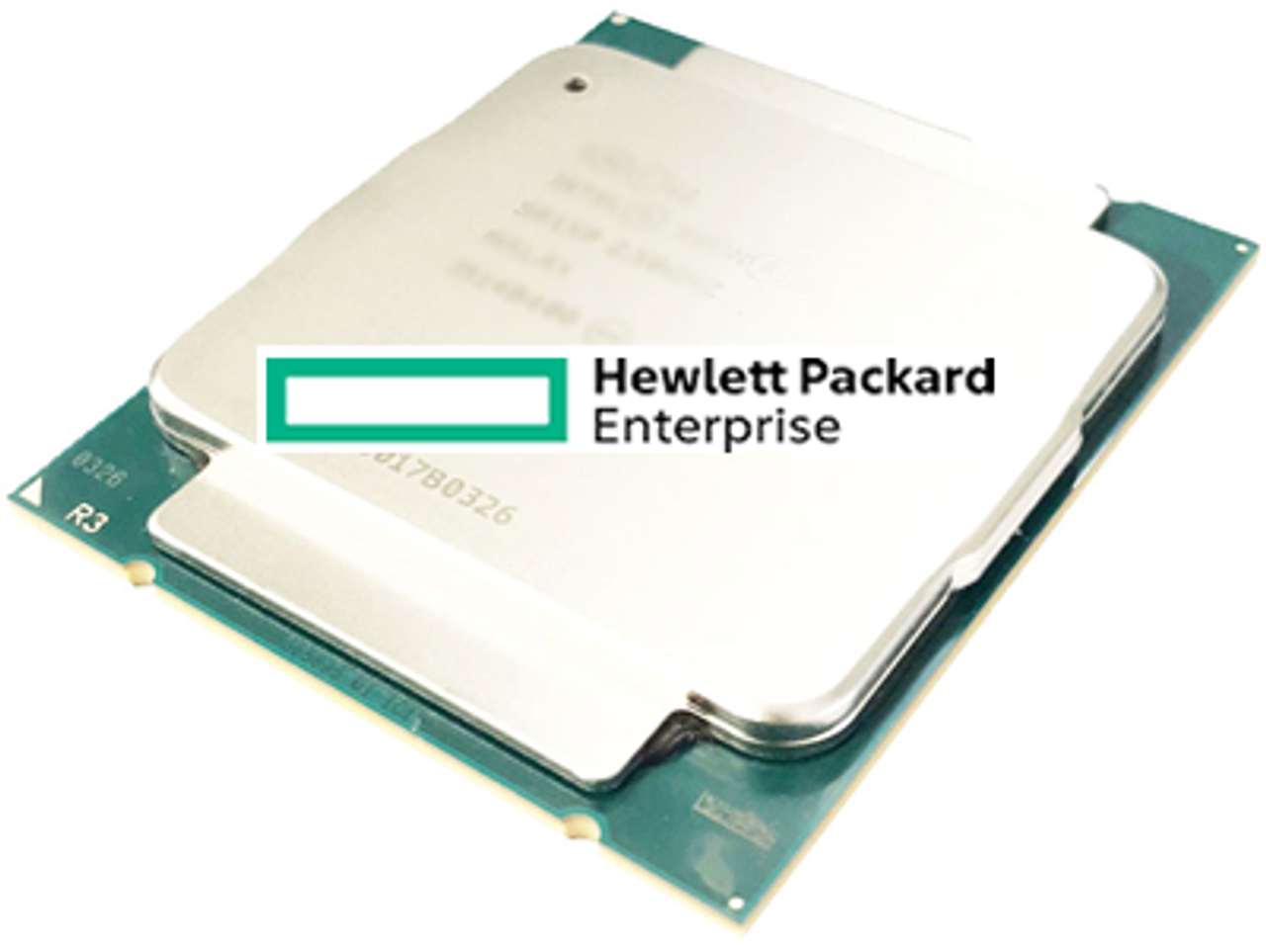
HPE ProLiant DL160 Gen10 Processors
The HPE ProLiant DL160 Gen10 carries two sockets for Intel Xeon Scalable processors on the Intel C622 chipset, and this page is the platform reference for them. Processor part numbers for this model show a quote link rather than a price, so what follows is what the sockets accept, which rules bind them, and how to read what is already fitted.
DL160 Gen10 Processor Specifications
- Sockets: two, on the Intel C622 chipset, with one processor enough to run the server
- Families: Intel Xeon Scalable in Platinum, Gold, Silver and Bronze classes, across 1st Generation and 2nd Generation parts
- Memory tie: 2nd Generation parts take DDR4-2933 kits and carry 1TB per socket; 1st Generation parts take DDR4-2666 and 768GB, with individual Silver and Bronze parts rated at 2400 and 2133 MT/s
- Expansion: 48 lanes of PCIe 3.0 per processor, and the CPU2 riser carrying slot 3 exists only once the second socket is filled
- Cooling: three single-rotor hot-plug fans with one processor and six with two
The kit suffix tells you which socket a part belongs in. A −L21 kit is the first processor and includes three fans; the matching −B21 kit is the second and adds three more, taking the server from three fans to six. Both sockets must carry the same processor model, and HPE does not support a field upgrade from 1st generation (x1xx) parts to 2nd generation (x2xx) parts.
How Do You Tell Which Processor a DL160 Gen10 Already Has?
| What to read | What it tells you |
|---|---|
| The second digit of the model number | x1xx is 1st Generation and x2xx is 2nd Generation, and HPE does not support a field upgrade between them |
| The class name: Platinum, Gold, Silver or Bronze | Sets core count, L3 cache and the number of UPI links on that part |
| A trailing U, as in Gold 6210U | Single-socket only, so a second processor is not an option on that server |
| The kit suffix, −L21 against −B21 | −L21 is the first processor and includes three fans; −B21 is the matching second processor and adds three more |
| The HPE model name of the server | Factory model names carry the processor, as in "DL160 Gen10 5218 2.3GHz 16-core 1P 16GB-R S100i 8SFF 500W PS" |
Two of those tells are physical and read with the lid off: the fan count, and the kit suffix on the part already installed. Getting the generation right matters more than the core count, because the DDR4 kits are tied to it and crossing between the two is not a field upgrade on this platform.
Rules That Decide a DL160 Gen10 Processor Fit
- The second processor must match the first exactly. Mixing two different processor models is not supported, so a two-socket build is two of the same part.
- Generations do not cross. A 1st Generation (x1xx) server cannot be moved onto 2nd Generation (x2xx) parts as a field upgrade.
- A processor change is a memory question. DDR4-2933 kits go with 2nd Generation parts and DDR4-2666 kits with 1st Generation, so the DIMMs move with the socket.
- Half the memory sits behind the second socket. Eight of the sixteen DIMM slots belong to each processor, so a single-processor server reaches half the platform ceiling however large the modules are.
Complete Your DL160 Gen10 Build
The processor sets both the DDR4 generation and the power budget, so read DL160 Gen10 memory and power supplies next to this page. Also available: DL160 Gen10 drives, storage controllers and networking adapters, or the full DL160 Gen10 parts listing, indexed with every other model under HPE parts by server model. Background reading: how the Gen10 and Gen11 generations compare.
DL160 Gen10 Processors FAQ
How many processors does a DL160 Gen10 take?
Two. One Intel Xeon Scalable processor is enough to run the server. U-series parts such as the Gold 6210U are the exception, being supported in single-socket configurations only.
Can I mix two different processors in a DL160 Gen10?
No. Mixing two different processor models in one server is not supported. The second socket has to take the same model as the first.
Can a 1st Generation DL160 Gen10 take 2nd Generation Xeon Scalable processors?
No. HPE does not support field upgrades from 1st generation processors (x1xx) to 2nd generation processors (x2xx) on this server.
What is the difference between the L21 and B21 processor kits?
The L21 kit is the first processor and includes three fans. The B21 kit is the matching second processor and adds three more, taking the server from three fans to six.
What else changes when a second processor is added?
The other eight DIMM slots become available, and the CPU2 riser with slot 3 becomes installable - though that riser cannot be fitted alongside a type-a modular Smart Array controller.
Why do the processors on this page show a quote link instead of a price?
Because there is no stocked product behind those part numbers at the moment. The listing keeps them so the page stays a complete reference for what the two sockets accept.
✅ Looking for a specific DL160 Gen10 processor? Browse our full selection below.
Browse all models

Why Global One?
- Trusted by thousands. Over 36,000 customers in 100+ countries trust Global One Technology to deliver mission-critical HP Enterprise hardware - including Fortune 500 businesses, schools, hospitals, and federal, state, and local goverment agencies.
- HPE is our specialty! We only sell genuine HP Enterprise parts.
- EASY ordering process. Purchase online now with credit card or PayPal!
- FAST shipping. Global One Technology ships orders received by 4pm ET the same day and offers NEXT DAY delivery to US customers.



