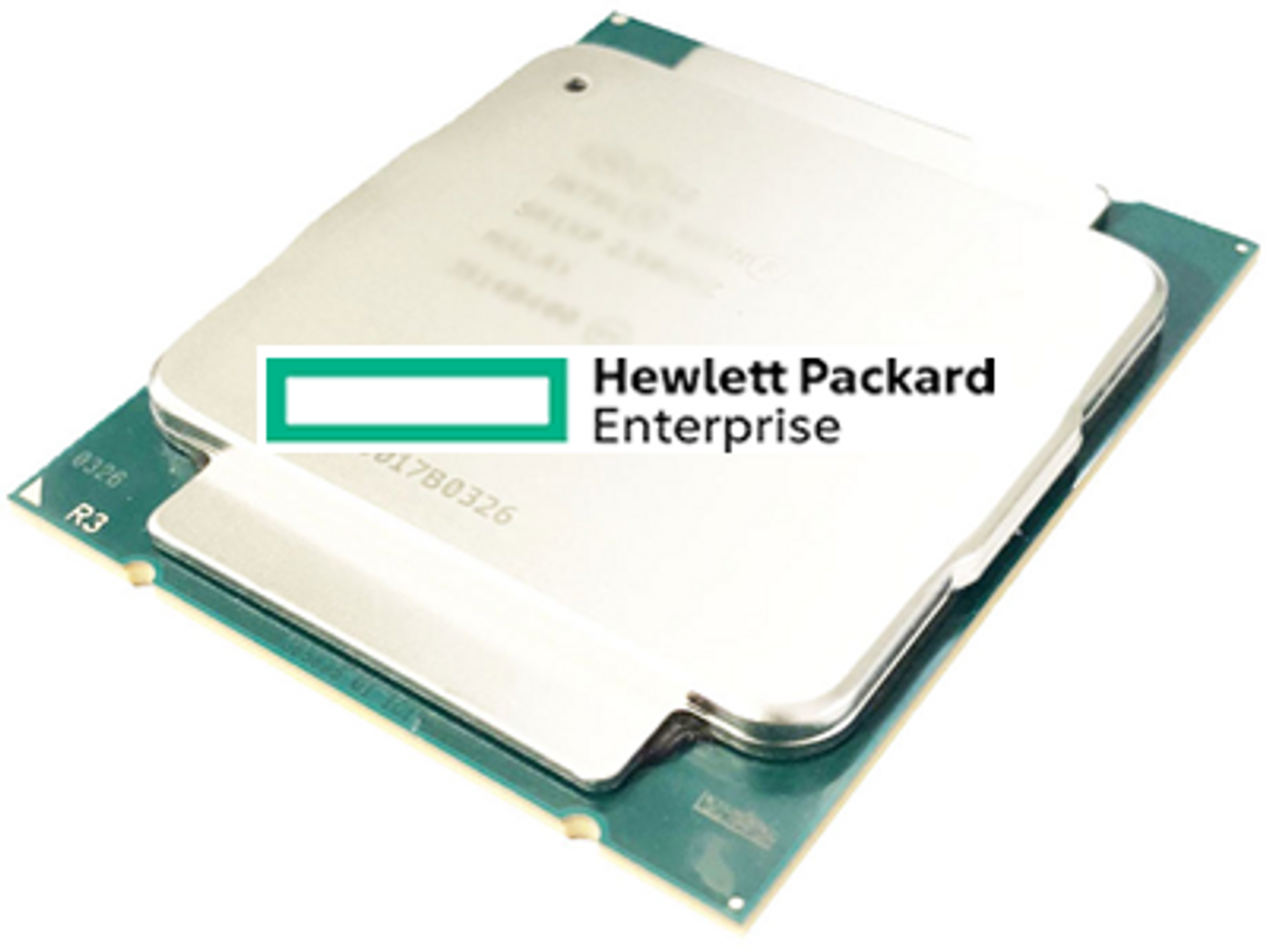
HPE ProLiant DL380 G7 Processors
Genuine HPE processor option kits for the HPE ProLiant DL380 G7, new and refurbished. The server takes up to two Intel Xeon 5500 or 5600 series processors for twelve cores in total, and HPE does not support mixing different processor models — so a second CPU has to match the first exactly.
DL380 G7 Processor Specifications
- Sockets: two, on the Intel 5520 chipset, upgradeable to two processors and twelve cores
- Families: Intel Xeon 5500 and 5600 series; the letter before the model number denotes the class, with X for high performance, E for mainstream enterprise and L for lower wattage
- Six-core kits stocked: X5690 at 3.46GHz and 130W down through X5675, X5670, X5660, X5650, E5649 and E5645, to the 60W L5640 at 2.26GHz
- Quad-core kits stocked: X5687 at 3.60GHz and 130W, X5672, E5640, E5630, E5620, E5606 and E5603, plus the 40W L5630
- Cache: up to 12MB of level 3 cache on 5600 series parts, and up to 8MB on 5500 series parts
- Features: Intel Hyper-Threading and Turbo Boost on the supporting models
- Kit contents: every processor kit listed here is complete with heatsink and fan or fans
A second processor does more than add cores. With only one CPU installed, half the eighteen DIMM slots are unavailable, so adding the second is what opens the rest of the memory capacity. It must be the same model as the first — HPE does not support mixing processor models in one server.
Six Cores or Four, and at What Wattage?
| Class | Example | Wattage | Suits |
|---|---|---|---|
| X — high performance | X5690 3.46GHz 6-core | 130W | Clock-sensitive workloads, where power and cooling allow |
| E — mainstream | E5645 2.40GHz 6-core | 80W | General virtualisation and application hosting |
| L — low wattage | L5640 2.26GHz 6-core | 60W | Density and power budget over peak clock |
On this platform the choice of letter matters as much as the core count. An L5640 gives six cores inside 60 watts; an X5690 gives six faster cores but asks for 130 watts and the cooling and power supply to carry them. Where a server is being upgraded rather than rebuilt, the wattage class already fitted is a good guide to what the chassis was provisioned for.
Choosing the Right DL380 G7 Processor
- A second processor must match the first. Mixing different processor models is not supported, so an upgrade to two CPUs means two of the same kit unless the existing one is being replaced.
- A second processor unlocks the other half of the memory. With one CPU installed, only half the DIMM slots are available, which is often the real reason to add one.
- 5600 series parts hold the higher memory clock. They run DDR3 at 1333MHz at one or two DIMMs per channel, where 5500 series parts run at 1066MHz.
- Low-voltage memory needs a 5600 series CPU. If the server runs PC3L modules, the processor choice is constrained to that family.
- Check the power supply against the wattage. Two 130W processors and a full drive cage is a different power budget from two 60W parts.
Complete Your DL380 G7 Build
Processor choice sets both the memory clock and the power draw — see DL380 G7 memory and power supplies alongside this page. Also available: DL380 G7 hard drives, storage controllers and networking adapters, or the full DL380 G7 parts listing.
DL380 G7 Processors FAQ
Which processors does the DL380 G7 support?
Intel Xeon 5500 and 5600 series, up to two of them for twelve cores in total. Six-core parts run from the 130W X5690 down to the 60W L5640, and quad-core parts from the X5687 to the L5630.
Can I mix different processors in a DL380 G7?
No. HPE does not support mixing different processor models in the same server. Both sockets must carry the same part.
Does adding a second processor do anything besides add cores?
Yes. With only one processor installed, half the DIMM slots are unavailable, so the second CPU is what opens the rest of the memory capacity.
Do DL380 G7 processor kits include a heatsink?
Yes. Every processor option kit listed for this server comes complete with heatsink and fan or fans.
What do the X, E and L letters mean?
They denote performance and wattage class. X is high performance and high wattage, E is mainstream enterprise, and L is lower wattage for density or power-constrained racks.
Which processor gives the best memory speed?
A Xeon 5600 series part. Those run DDR3 at 1333MHz with one or two DIMMs per channel, where 5500 series processors run the memory at 1066MHz.
✅ Looking for a specific DL380 G7 processor? Browse our full selection below.
Browse all models

Why Global One?
- Trusted by thousands. Over 36,000 customers in 100+ countries trust Global One Technology to deliver mission-critical HP Enterprise hardware - including Fortune 500 businesses, schools, hospitals, and federal, state, and local goverment agencies.
- HPE is our specialty! We only sell genuine HP Enterprise parts.
- EASY ordering process. Purchase online now with credit card or PayPal!
- FAST shipping. Global One Technology ships orders received by 4pm ET the same day and offers NEXT DAY delivery to US customers.



