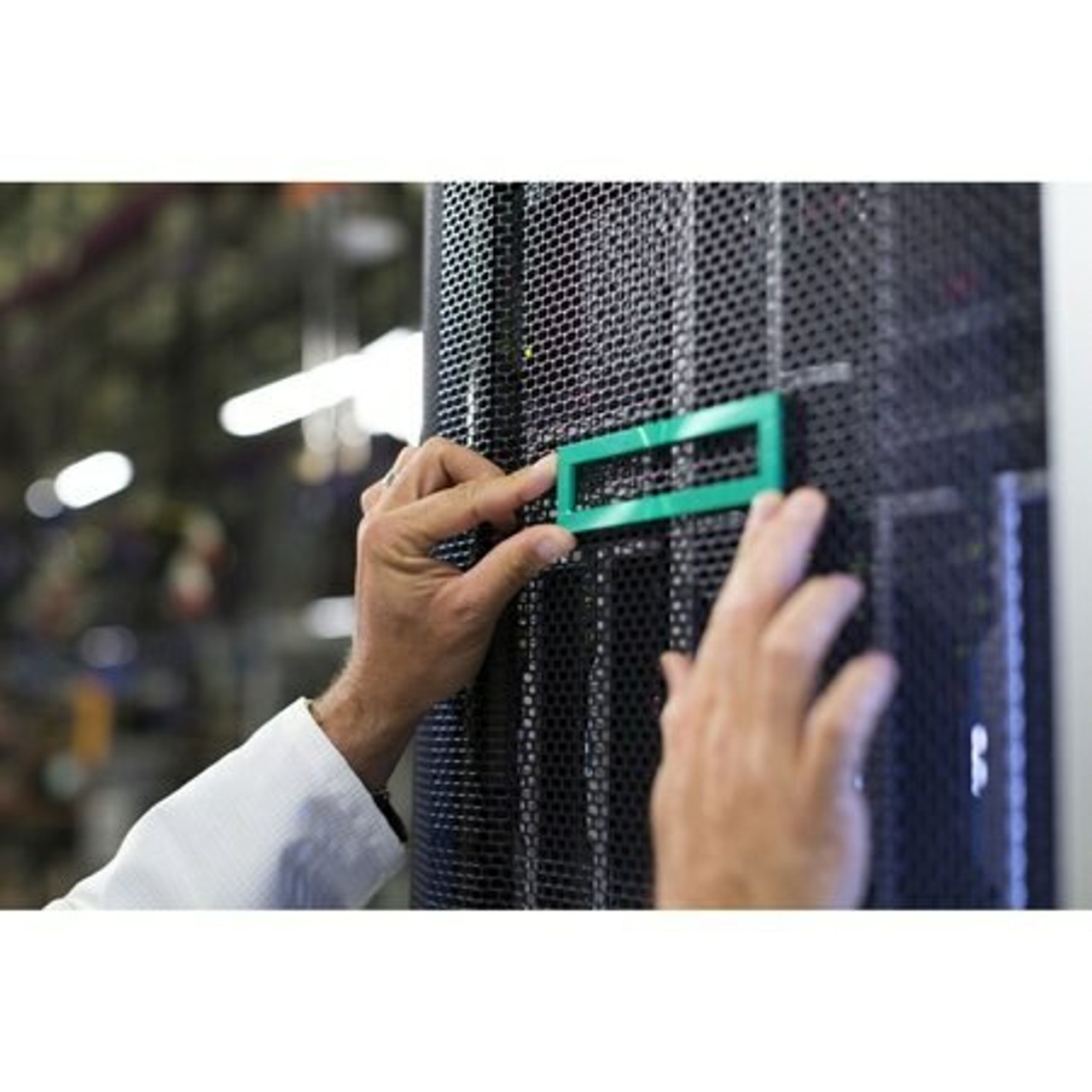
HPE ProLiant DL320e Gen8 Rack Options
Genuine HPE rack hardware for the HPE ProLiant DL320e Gen8, new and refurbished. One fact governs this page: HPE states Gen8 rail kits are optional and no longer included standard with the server, so rails, cable management and console hardware are separate part numbers.
DL320e Gen8 Rack Options Specifications
- Form factor: 1U rack — 1.7 x 17.11 x 27.5 in (69.90 cm deep) for 8 SFF, and 1.7 x 17.11 x 29.5 in (75.0 cm deep) for 4 LFF
- Weight: maximum 35.7 lb (16.2 kg) for 8 SFF and 37.0 lb (16.8 kg) for 4 LFF, fully loaded
- Rail kits: the 1U Small Form Factor (663201-B21) and Large Form Factor (663202-B21) Ball Bearing Rail Kits, with the 1U Cable Management Arm (663203-B21)
- Rail generation: HPE warns Gen8 rail kits changed significantly from prior generation kits, and points you to the installation documentation
- Friction rails: pre-configured models are listed with an HPE Friction Rail Kit — non-telescoping, no in-rack serviceability, and no cable management arm
- Console and discovery: 36U, 42U and 47U Location Discovery Kits, USB keyboard and mouse kits in many layouts, and KVM console interface adapters
The rails did not necessarily come with the server. HPE states Gen8 rail kits are optional and no longer included standard, and that Gen8 kits changed significantly from prior generations, so an older rail set is not a substitute. Match the kit to the chassis: 663201-B21 for the 8 SFF version, 663202-B21 for the deeper 4 LFF version, with the cable management arm 663203-B21 on ball bearing rails only.
Which DL320e Gen8 rack options do you actually need?
| Item | Part numbers | What it does |
|---|---|---|
| 1U ball bearing rail kit | 663201-B21 SFF, 663202-B21 LFF | Mounts the chassis; match the kit to yours |
| 1U cable management arm | 663203-B21 | Routes cabling behind the server; ball bearing rails only |
| Location Discovery Kit | BW945A, BW946A, BW947A | Location Discovery Services for 36U, 42U and 47U racks |
| USB keyboard and mouse kit | 631341-B21 US, plus national layouts | Console at the rack on the USB ports |
| KVM console interface adapter | AF628A, AF629A, 336047-B21 | Connects the server to an HPE console switch |
Most DL320e Gen8 servers never need a keyboard at the rack. iLO 4 is standard with a 1Gb dedicated management network port, and the iLO Advanced license unlocks the full virtual keyboard, video and mouse console. Treat the keyboard and KVM adapters as what you reach for when the network is down.
Choosing the Right DL320e Gen8 Rack Options
- Match the rail kit to the drive chassis. SFF and LFF have separate part numbers, and the LFF chassis is two inches deeper.
- Assume the rails are not in the box — HPE states Gen8 kits are optional and no longer included standard.
- Ball bearing or friction is a serviceability decision. Friction rails do not telescope and rule out the cable management arm.
- Do not reuse pre-Gen8 rails — HPE states Gen8 kits changed significantly from prior generations.
- Two people for the install. HPE's caution is that at least two people should handle any rack server installation.
Complete Your DL320e Gen8 Build
Rack hardware pairs with DL320e Gen8 memory, drives, storage controllers, networking adapters and power supplies, or the full DL320e Gen8 parts page. Neighbors: DL320e Gen8 v2 rack options and ML310e Gen8 rack options, or all HPE parts by server model.
DL320e Gen8 Rack Options FAQ
Does the HPE ProLiant DL320e Gen8 come with rails?
Not necessarily. HPE states that Gen8 rail kits are optional and no longer included standard with the server, and that customers may purchase the server without one. Pre-configured models are listed with an HPE Friction Rail Kit.
Which rail kit does a DL320e Gen8 need?
It depends on the drive chassis. HPE lists the 1U Small Form Factor Ball Bearing Rail Kit, 663201-B21, and the 1U Large Form Factor Ball Bearing Rail Kit, 663202-B21, plus the 1U Cable Management Arm, 663203-B21.
What is the difference between friction rails and ball bearing rails?
Friction rails are non-telescoping and do not allow in-rack serviceability, and the 1U Gen8 Cable Management Arm is not available when using them. Ball bearing rails slide out for service and accept the cable management arm.
Can I use older HPE rails with a DL320e Gen8?
HPE advises against it. The QuickSpecs state that Gen8 rail kits have changed significantly from prior generation rail kits and ask you to review the installation documentation that comes with the server.
How deep is the DL320e Gen8 and how much does it weigh?
The 8 SFF version measures 1.7 x 17.11 x 27.5 inches and the 4 LFF version 1.7 x 17.11 x 29.5 inches. Maximum weight fully loaded is 16.2 kg (35.7 lb) for SFF and 16.8 kg (37.0 lb) for LFF.
Do I need a KVM switch to manage a DL320e Gen8?
Not usually. HPE iLO 4 with its 1Gb dedicated management network port is standard, and the iLO Advanced license adds the full virtual keyboard, video and mouse remote console. The KVM console interface adapters are for rack-side access to an HPE console switch.
✅ Looking for a specific DL320e Gen8 rack option? Browse our full selection below.
Browse all models

Why Global One?
- Trusted by thousands. Over 36,000 customers in 100+ countries trust Global One Technology to deliver mission-critical HP Enterprise hardware - including Fortune 500 businesses, schools, hospitals, and federal, state, and local goverment agencies.
- HPE is our specialty! We only sell genuine HP Enterprise parts.
- EASY ordering process. Purchase online now with credit card or PayPal!
- FAST shipping. Global One Technology ships orders received by 4pm ET the same day and offers NEXT DAY delivery to US customers.



